Component Showcase
A reference page for all available MDX components. test
Admonitions
This is a note admonition. Use it for general information.
This is a tip admonition. Use it for helpful suggestions.
This is an info admonition. Use it for informational context.
This is a caution admonition. Use it for warnings.
This is a danger admonition. Use it for critical warnings.
Details (Collapsible)
Click to expand
This content is hidden by default. Great for optional or advanced information.
Card Grid
Authentication
Integrate Keycloak for role-based access control.
TinaCMS Editing
Use the CMS editor to manage docs and blog content.
Deployment
Build and deploy your site to Vercel or any static host.
Date
date
Accordion Group
This is a Docusaurus + TinaCMS hybrid. Docusaurus generates the static site, TinaCMS provides a Git-backed CMS editing UI.
Navigate to /admin to open the TinaCMS editor. From there you can create and edit docs, blog posts, and pages.
Authentication is optional. You can protect individual pages using the accessRole frontmatter field.
Tabs
- JavaScript
- Python
- TypeScript
Code Block
import { useState } from "react";

export default function Counter() {
  const [count, setCount] = useState(0);
  return <button onClick={() => setCount(count + 1)}>Count: {count}</button>;
}
yarn dev
yarn build-local
yarn serve
Table
| Component | Type | Props |
|---|---|---|
| CardGrid | MDX embed | items, children |
| AccordionGroup | MDX embed | items, children |
| Admonition | MDX embed | type, title, children |
| Details | MDX embed | summary, children |
| Tabs | MDX embed | children (TabItem) |
| Highlight | Inline | color, children |
Highlight
This word is highlighted in yellow and this one is highlighted in green.
Typography
Heading 1
Heading 2
Heading 3
Heading 4
Heading 5
Heading 6
Mermaid
Regular paragraph text. Bold, italic, strikethrough, and inline code.
This is a blockquote. Use it to call out important quotes or references.
- Unordered item one
- Unordered item two
- Nested item
- Ordered item one
- Ordered item two
- Ordered item three test
3
test 1
Lorem ipsum dolor sit amet, consectetur adipiscing elit, sed do eiusmod tempor incididunt ut labore et dolore magna aliqua. Ut enim ad minim veniam, quis nostrud exercitation ullamco laboris nisi ut aliquip ex ea commodo consequat. Duis aute irure dolor in reprehenderit in voluptate velit esse cillum dolore eu fugiat nulla pariatur. Excepteur sint occaecat cupidatat non proident,
console.log
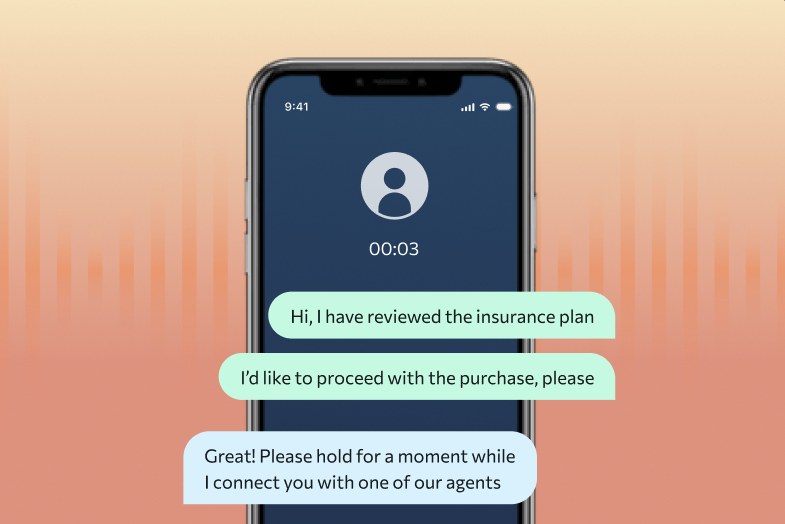
image 1
test
 LinkedIn